BumbleTap
What it does
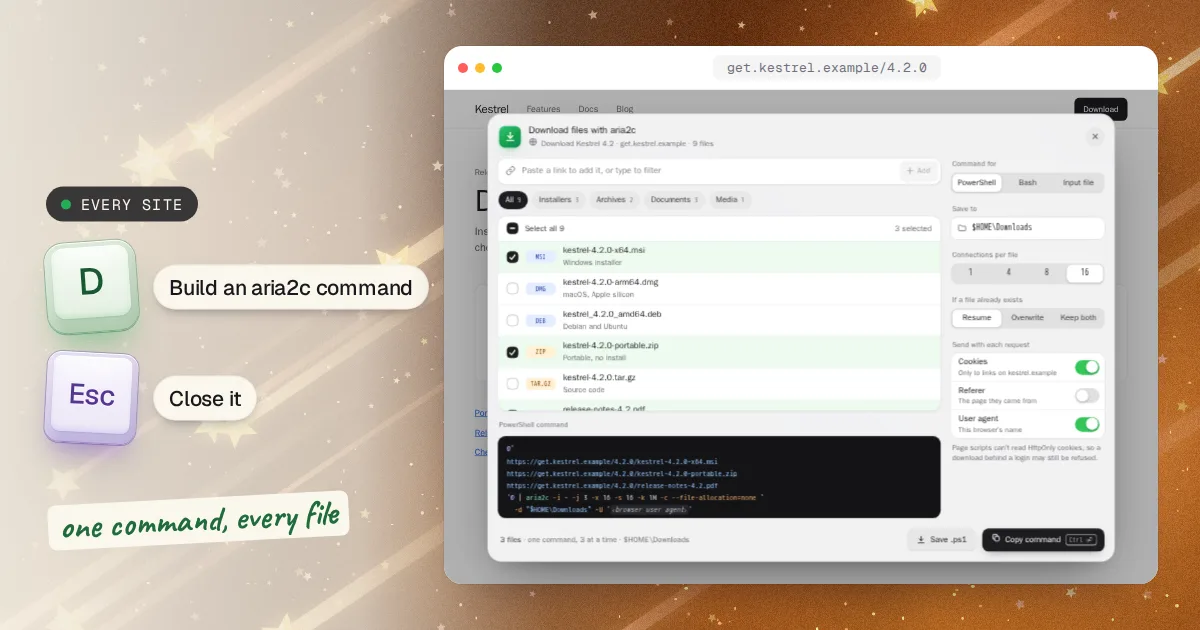
Download all the files on a webpage, or just the ones you pick, with one aria2c command. Press D and every file the page links to is listed by type: tick what you want or paste your own links, and copy a single command for PowerShell or Bash, or save an aria2 input file. Your cookies go along for this site's links only, so downloads behind a login work, and they never reach links on other sites.
- Download multiple files with one aria2c command, 3 at a time
- PowerShell, Bash or an aria2 input file; quoting that survives $ and quotes
- Sends your cookies to this site's links only, so logged-in downloads work
When you’d use it
A release page with a file for every system
Software releases list installers, archives, checksums and notes side by side. Tick the ones you need and fetch them in one go, instead of clicking each link and waiting.
A course or an archive behind a login
Lecture recordings, slides and handouts that only download while you're signed in. The command carries your cookies for that site, so aria2c can fetch them the way your browser does, as long as the site doesn't hide its login cookie from page scripts (see below).
Big files you want fast and resumable
aria2c splits a file across up to 16 connections and picks up where it stopped if the connection drops, which a browser download often can't do.
Step by step
Press D and tick the files
Press D on the page. The window lists every file the page links to, sorted into installers, archives, documents, media and images. Type to filter, tick what you want, or paste a link the page doesn't show and press Add.
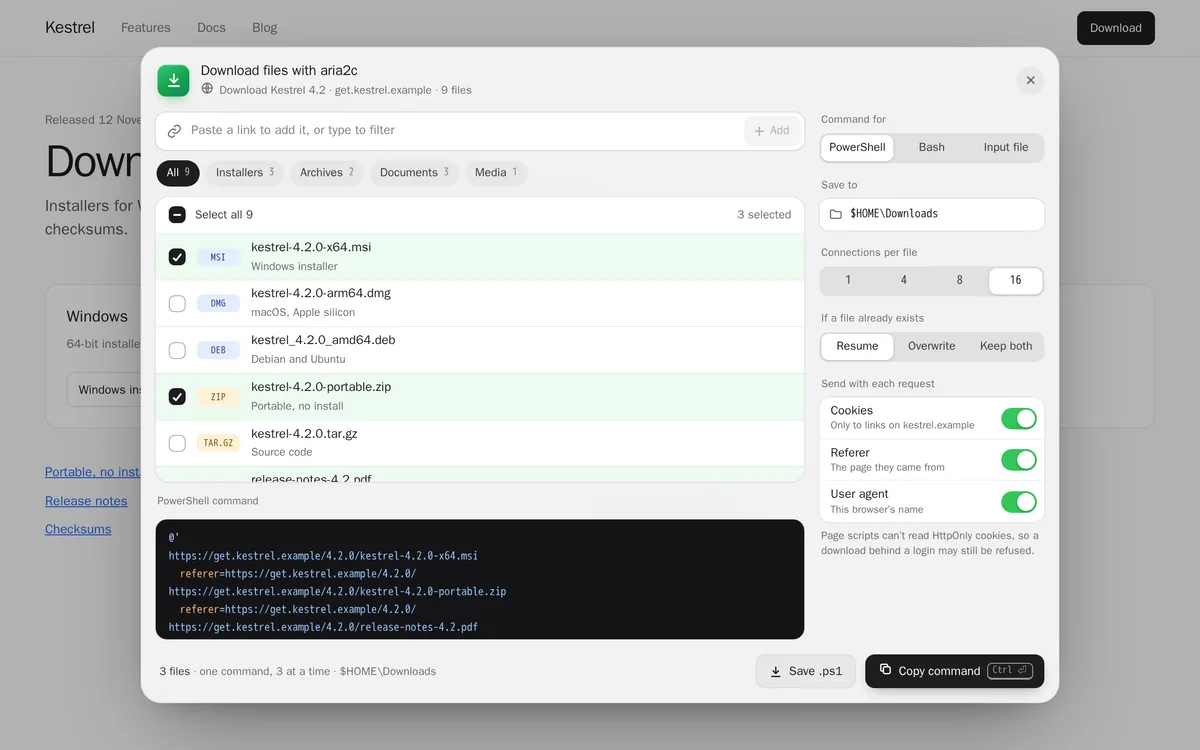
Pick your shell and check the settings
On the right, choose PowerShell on Windows, Bash on macOS and Linux, or Input file for a list to keep. Below that are the folder to save to, the connections per file, what happens when a file already exists, and switches for sending cookies, the referer and your browser's user agent. The command updates as you change them.
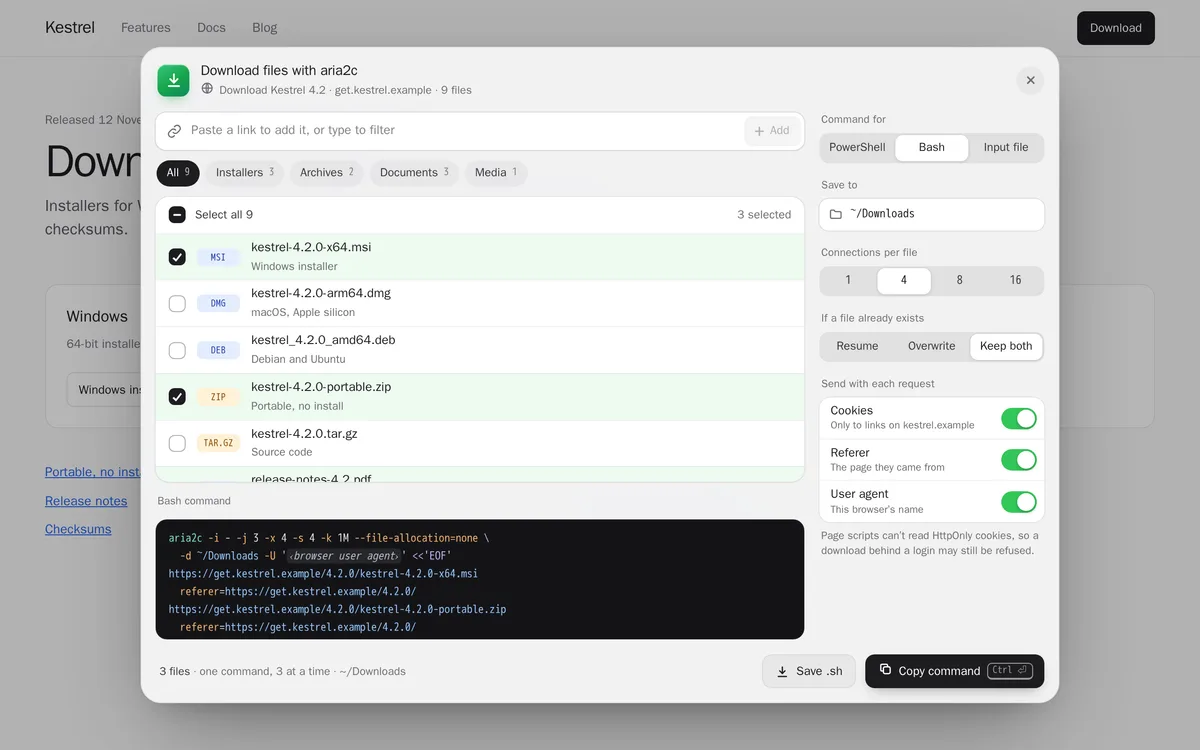
Copy it and paste it into a terminal
Press Copy command, or Ctrl+Enter (⌘Enter on a Mac). The window closes and a note confirms the copy; paste it into PowerShell or Terminal. aria2c downloads three files at a time, prints a line as each one finishes, and ends with a table where
OKmeans the file is saved. Save .ps1 or Save .sh (Ctrl+S) keeps it as a script to run later.
Installing aria2c
The command needs aria2c, a free, open-source download tool. If aria2c --version prints a version number in your terminal, you already have it. If not:
Windows
Install it with winget, which comes with Windows 10 and 11, then open a new PowerShell window so it can find aria2c.
winget install aria2.aria2Linux
It's in every major distribution: sudo apt install aria2 on Debian and Ubuntu, sudo dnf install aria2 on Fedora, sudo pacman -S aria2 on Arch.
sudo apt install aria2What it adds
1 shortcut for every site, exactly as below. You can change any of it after.
- D
List the page's files and build the aria2c command
Lists every file this page links to. Tick some, or paste your own link and press Add, then copy one aria2c command, or save it as .ps1, .sh or an input list. Press D again, Esc, or click outside it to close.
ShortcutRuns codeEvery site
Show the code it runsHide the code it runs791 lines
Loading the code…
One-time setup: turn on “Allow user scripts”
This blueprint runs code, and Chrome keeps that behind a switch that starts off. Until you turn it on, the shortcut is saved but does nothing.
- Open
chrome://extensions. - Find BumbleTap and click Details.
- Turn on Allow user scripts.
On Chrome older than 138, turn on Developer mode (top right of that page) instead. Google’s announcement
Reinstalling the extension can turn it back off. If the shortcut ever stops working, check here first.
What it can’t do
It builds the command; it doesn't download anything itself. aria2c does the downloading, in your terminal.
Page scripts can't read cookies a site marks HttpOnly, and many sites keep their login cookie that way. Downloads that need it will be refused.
It sees only the files the page links to. A file made when you click a button, or a video the page streams in pieces, won't be in the list. If you can find its address, paste it in.
Links that expire, such as signed download addresses, work only as long as the site allows. Run the command soon after copying it.
It lists http and https links.
magnet:links aren't listed, though aria2c can open a.torrentfile the page links to.
Troubleshooting
- “aria2c is not recognized” or “command not found”
- aria2c isn't installed, or the terminal was already open when you installed it. Install it as above and open a new terminal window.
- 403 Forbidden or 401 Unauthorized
- The site wants a login or a referer the command doesn't have. Make sure Cookies and Referer are switched on. If it still fails, the site's login cookie is HttpOnly; download those files in the browser.
- A saved .ps1 won't run: “running scripts is disabled”
- Windows blocks unsigned scripts by default. Run it once with
powershell -ExecutionPolicy Bypass -File .\the-file.ps1, or paste the command instead. - Downloads are slow, or the server drops the connection
- Some servers limit connections per visitor. Set connections per file to 4 or 1 and run it again; with Resume on, it carries on where it stopped.
- Files are saved with odd names
- aria2c names each file from the server's reply or the link. Rename them afterwards, or use the Input file tab and add an
out=line with the name you want under that link.
Common questions
Are my cookies sent anywhere?
No. The command is built in your browser, on the page, and nothing is uploaded. But the command you copy contains your cookies for that site, so anyone you give it to can use your login. Don't paste it anywhere public.
Why 16 connections at most?
That's aria2c's own limit per server. More rarely helps, and some servers refuse more than a few.
Can it resume a download that stopped?
Yes. With “If the file already exists” set to Resume, the default, run the same command again and aria2c continues each unfinished file.
Does it work on macOS and Linux?
Yes. Choose the Bash tab; the command works in Terminal on macOS and in any Linux shell.
Adding it
Added next to yours, never over them.
BumbleTap adds it beside the shortcuts you already have. Nothing is replaced.
Click Add to BumbleTap
This page hands the blueprint to the extension in your browser.
Check it and approve
BumbleTap’s own popup lists every item. Nothing is added until you click Add.
Make it yours
Change keys, edit the code, or delete what you don’t use.
Blueprints go straight from this page to the extension. We don’t store what you add on our servers.
Keep browsing
More blueprints3
- Reading
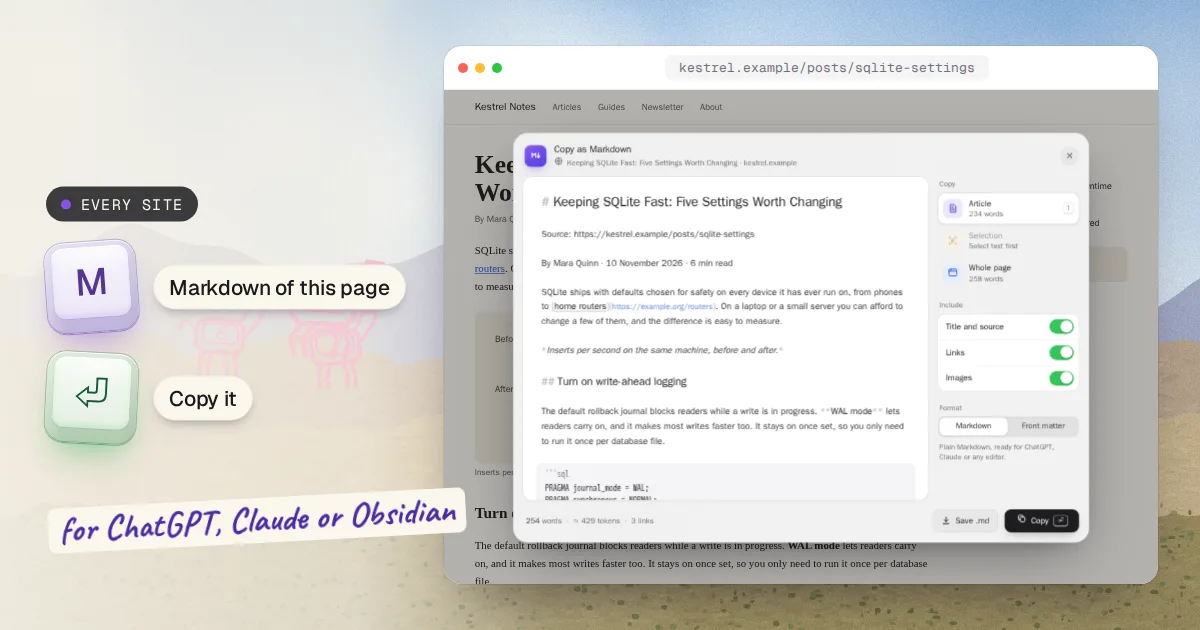
Copy Any Webpage as Markdown
Press M on any page, get its article as clean Markdown. Enter copies it.
Every site 1 shortcut
- Power
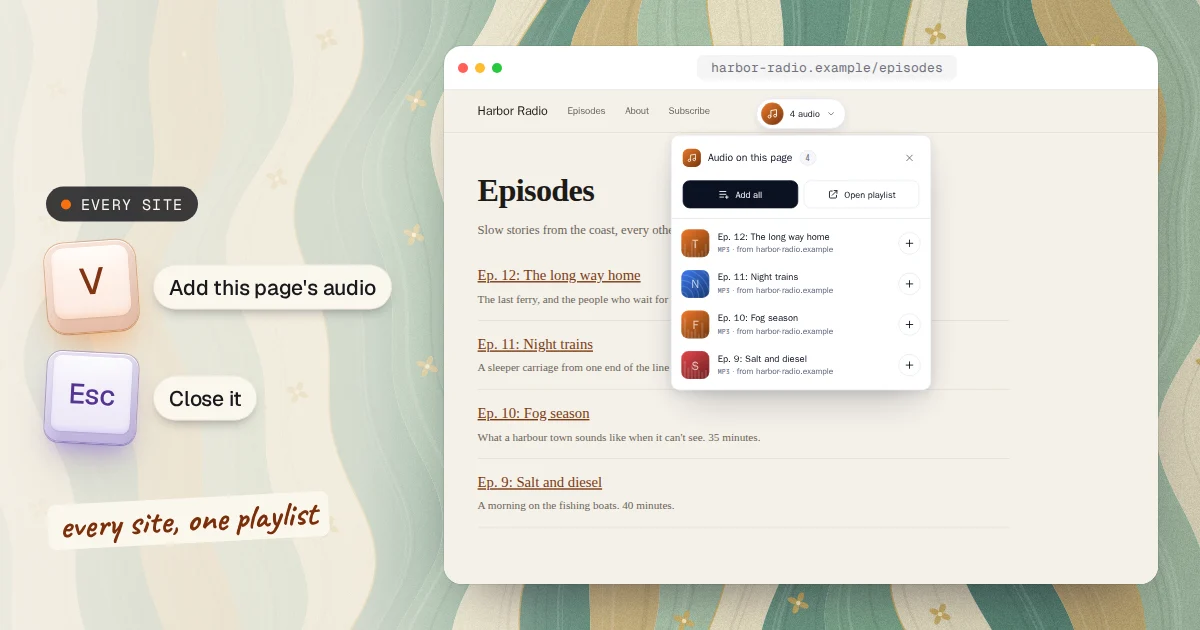
One Playlist for Audio From Every Site
Press V on any site, add its audio, and take the whole playlist to your phone with one scan.
Every site 1 shortcut
- Power