PowerEvery site
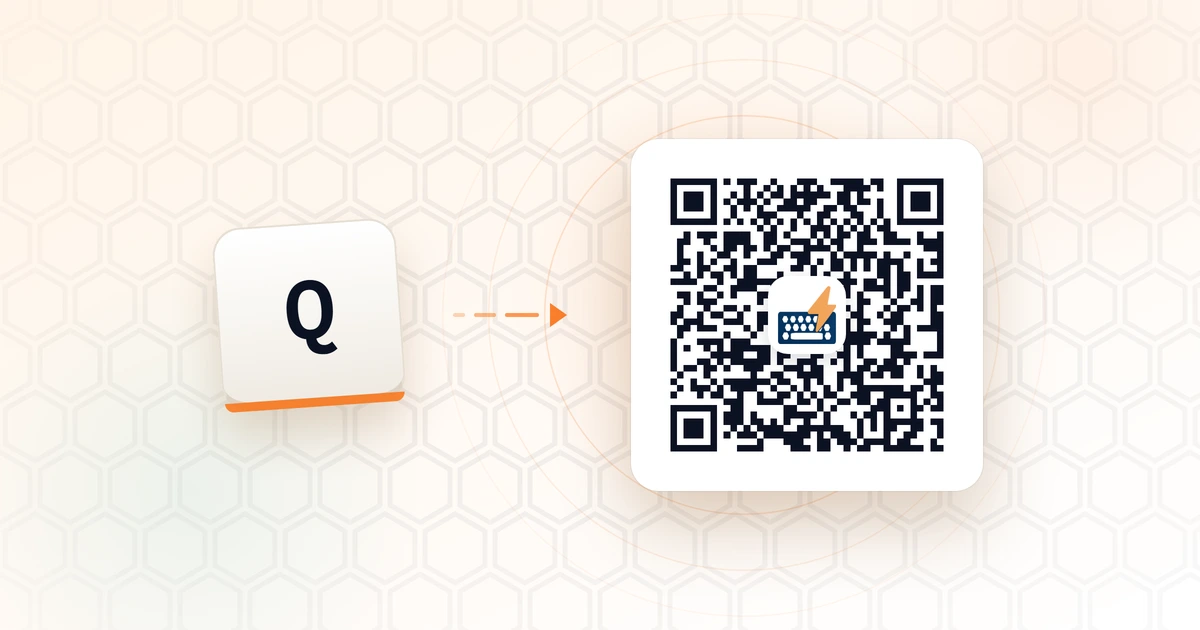
Create QR Code for Any Page
Press Q, scan with your phone. No app, no retyping.
Ready-made keyboard layouts and automations — add a whole bundle to BumbleTap in one click, then make it yours.
1 blueprint
Press Q, scan with your phone. No app, no retyping.
Open any card to see every shortcut and the exact code it runs before you commit.
The page hands the bundle to the extension, which asks you to confirm in its own popup. Nothing installs silently.
Rebind keys, tweak the code, or delete what you don't use. It merges — it never wipes.