Today we're launching BumbleTap — a browser extension that lets you bind any key to any action on any website. Click a button, control a video, run a snippet of JavaScript, or chain a whole workflow together, all without reaching for the mouse. It's free, it works everywhere, and it's live now.
Why we built it
The keyboard is the fastest input device most of us own, yet the web treats it as an afterthought. A handful of sites ship their own shortcuts; the rest assume you'll hunt for a target and click. Multiply that by a few hundred interactions a day and the cost is real — seconds and attention, quietly gone.
We wanted the opposite default: keyboard-first, everywhere. Not just on the apps generous enough to support it, but on every page — including the one you're reading right now.
If something on a page can be clicked, it should be one keystroke away — no matter who built the page.
What BumbleTap does
Everything grows from a single idea — bind any element to any key. From there you get four ways to act:
- Click any element — point at a button or link, press a key, done. No CSS selectors required.
- Built-in events — scroll, media controls, tab navigation and more, ready to assign.
- Custom code — for power users, run real JavaScript on a keypress with full DOM access.
- Auto-Actions — chain steps into a workflow that runs on page load or on demand.
Built to stay reliable
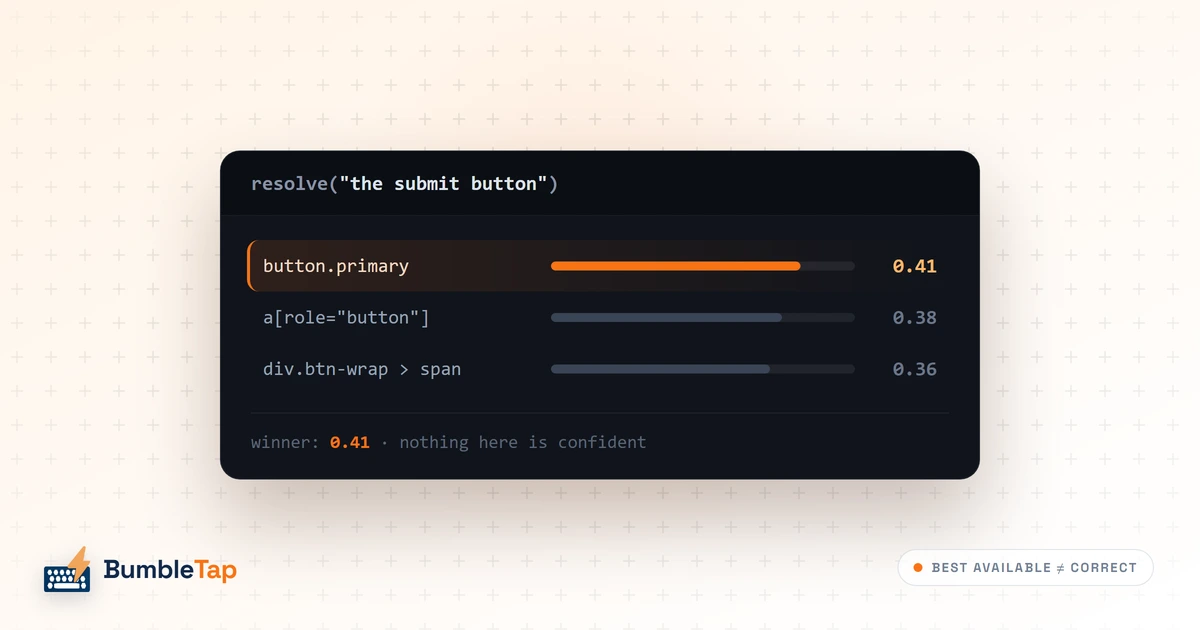
Websites change constantly — class names churn, layouts shift, feeds reorder themselves. A naïve shortcut breaks the moment a designer ships a tweak. BumbleTap's element picker captures several ways to find your target and votes on the best match at run time, so your bindings keep working long after the page they live on has moved on.
Bind any button on any site to a key in seconds — no code required.
Free, and what's next
BumbleTap is free to use, today. We're already building what comes next: a shared library of ready-made bindings and automations, support for more browsers, and an AI assistant that turns “describe what you want” into a working shortcut.
This blog is where we'll share new features, tips worth stealing, product news, and the occasional deep dive into how it all works under the hood. Thanks for being here at the start — now go bind your first key.